Do you have multiple projects and need to keep them organized? Why not create a schedule of activities online? There are many options that can help ease your workload.
So, why not give them a try?
The tools for making project timelines are designed to improve your productivity as a freelancer. It doesn’t matter if you work alone or with a team; these solutions can adapt to any freelancer’s needs. You just need to find the one that best suits your work style.
Below, we explain how timelines work, their advantages, and our top 5 online options.
5 Best Tools to Create Online Project Timelines and Optimize Your Freelance Work
How Does a Timeline Work?
A timeline functions as a planning tool, organizing activities or tasks over a defined period. It also allows you to assign specific deadlines and logically sequence actions.
It’s like a guide, a timeline that shows you what action to take, when to take it, and how activities interrelate.
Although each timeline is different, they usually include:
Tasks: Specific activities with start and end dates.
Milestones: Critical points in the project.
Dependencies: Relationships between tasks.
Resources: Teams or individuals assigned.
Duration: Estimated time to complete them.
A project timeline offers a simple version to quickly visualize the project’s flow. Unlike more detailed types, such as a Gantt chart, which shows multiple aspects in one view, a timeline focuses on the essentials.
Benefits of Project Timelines
Creating a timeline is very useful for managing the projects you have as a freelancer.
The benefits include:
Improving organization by allowing you to plan tasks and deadlines clearly.
Helping prioritize activities so that the most important tasks are completed on time.
Facilitating communication among stakeholders, who can visualize progress and responsibilities.
Optimizing productivity by keeping focus on set goals.
They also help identify and resolve problems before they affect a project, increasing the chances of success in your freelance work.
5 Best Tools to Make Online Timelines
Thanks to technological innovation, you have plenty of options to create your online activity schedule. Most of them are efficient and save you time, regardless of your project’s size.
However, today’s list is short, allowing us to detail the most relevant points of each tool for creating timelines.
Here’s our top 5:
1. ClickUp
We start with a comprehensive platform for project management. With ClickUp, you can take advantage of a wide range of features to centralize and coordinate numerous activities in one place.
Its flexibility and customization capabilities make it perfect for managing projects of any size.
Key Features
Description
Interactive Whiteboards
Facilitates brainstorming sessions in a visual space, turning concepts into projects with a single click.
Real-Time Tracking
Dashboards help you monitor task and project progress accurately.
Templates
Simplifies the process with customizable templates, saving time and streamlining project management.
ClickUp AI
Uses artificial intelligence to assist with content editing and idea generation.
Another versatile platform with multiple features is Asana. It’s a program to make timelines with efficient automations, forms, and task visualization in different formats.
You can easily switch between these views with one click.
Key Features
Description
Goal Management
Set and track individual, team, or organizational objectives.
Real-Time Reports
Keeps you updated on project progress and productivity with instant reports.
Integrations
Connects with over 100 apps, including Google Drive, Microsoft Teams, and Slack.
Workload Management
Monitors tasks to avoid overloads and maintain an efficient balance.
Asana is ideal for timelines and managing team workflows. Many of its features are available in the free version, making it a robust and flexible solution for effective project management.
3. Notion
You can also create an online activity timeline with the variety of templates available in Notion.
Additionally, with its timeline view, you can observe how different parts of a project interconnect. You can also adjust the view according to your tasks’ needs, using options like calendar, board, or database.
Key Features
Description
Detailed Task Management
Divide activities into subtasks, set dependencies, and organize each aspect of the project clearly.
Tracking
Features a status bar to easily monitor overall project progress.
Real-Time Collaboration
Work simultaneously, add comments, and share documents with others.
Customizable Templates
Includes a library of templates covering timelines, agendas, to-do lists, and more.
Besides organizing tasks, Notion enhances creativity and productivity thanks to its flexible approach.
4. Trello
This software is based on boards, adopting the Kanban format for visual and intuitive task organization. Therefore, it works as a program for making personal and professional timelines.
If you want to better understand and manage every aspect of your projects, Trello will help.
Key Features
Description
Power-Up Integrations
Enhance board functionality by connecting other tools and services via plugins.
Template Library
Has pre-configured templates for various use cases.
Shared Workspaces
Supports collaboration on shared boards to view the project’s overall progress.
Accessibility
Available for web, desktop, and mobile devices.
Trello can adapt seamlessly to your freelance projects. It also offers various views, from timelines and tables to calendars and workspaces.
5. Jira
Jira is robust software designed to plan, organize, and track tasks in short or complex projects. Typically used by development teams, its versatility makes it useful in other sectors as well.
For this reason, it’s ideal for creating an online activity timeline.
Key Features
Description
Automation
Reduces time spent on repetitive tasks with configurable automation rules.
Custom Workflows
Create processes that adapt to a team’s needs, improving organization and efficiency.
Real-Time Reports
Generates detailed reports quickly to evaluate project performance.
Jira Timeline
Includes an advanced function that enriches your proposal.
Jira’s features are highly valued by teams working with agile methodologies.
Conclusion
Working independently means taking on more responsibilities than a regular employee. Therefore, it’s essential to find options that help you manage projects efficiently.
In this regard, timeline tools like ClickUp, Asana, Notion, Trello, and Jira are extremely useful. They not only help organize your tasks but also let you visualize your workload, define priorities, and stay focused on your goals.
Choosing the most suitable one depends on your specific needs. With any of the mentioned programs, you can optimize your time, improve communication with clients, and increase your productivity.
Looking for an option to manage your income?
Try DolarApp, a way to manage your money in digital dollars.
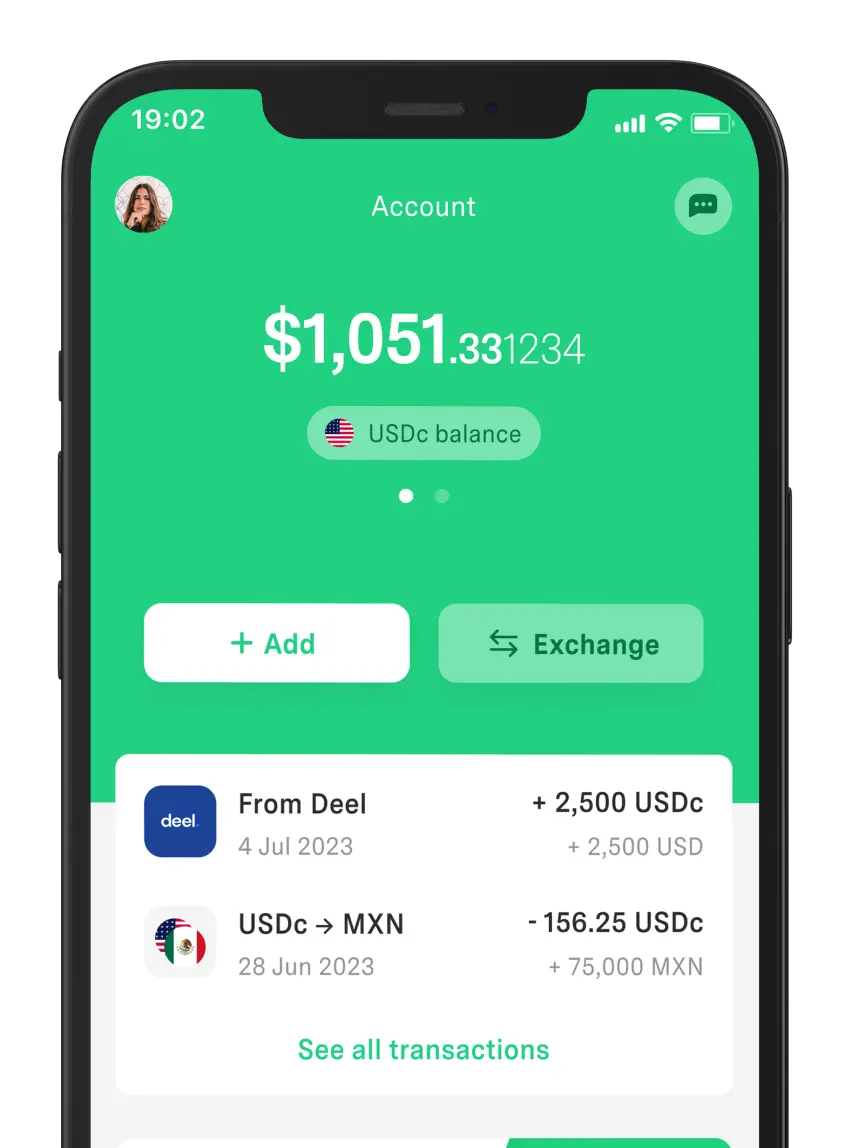
This application is useful for getting paid for your services by clients abroad. Once you receive your payment in USDc, you can send it to a linked peso account without conversion costs.
Just download it and activate the USDc account to start using it right away.
Discover a world without borders.
The world has borders. Your finances don’t have to.



 Freelancer tips