The “office functions you excel at” field appears in many job applications to indicate which administrative tasks you can handle day to day. Simply put, these are tasks like filing, drafting reports, or managing calendars—key activities that support a company’s workflow.
This section lets the recruiter see what you can do to keep a workplace running. Below are ready-to-use examples you can add to your job application, tailored to your profile and the role you’re applying for.
Office Functions You Excel At: Examples for Job Applications (2026)
What are office functions?
Office functions are the set of administrative and operational tasks carried out within a company to ensure it runs correctly. In essence, they maintain workplace order, communication, and flow.
But don’t confuse functions with skills. While related, they’re different:
Functions. What you do—for example, drafting documents, answering calls, issuing invoices.
Skills. Your ability to perform those tasks (your method and quality). For example, friendly customer service, organizing, fast data entry.
This section in a job application is key because recruiters want to see concrete actions you already know how to perform.
Office functions: Examples
In the functions field, list specific office duties such as:
Filing and document control: Physical and digital classification of files and contracts.
Document drafting: Preparation of formal letters, professional emails, reports, and internal memos.
Customer service: Handling calls, routing requests, and tracking cases.
Calendar management: Coordinating meetings and events.
Data entry: Updating databases, directories, and control reports.
Incoming/outgoing parcels: Logging deliveries, internal hand-offs, and receipt control.
Supply inventory control: Stock reviews, replenishments, and supply requests.
Mail and correspondence management: Receiving, filtering, distributing, and responding to emails.
Office software proficiency: Working knowledge of Word, Excel, and PowerPoint.
Equipment operation: Printing, scanning, and photocopying documents.
Vendor coordination: Requesting quotes, tracking orders, and confirming deliveries.
Basic billing support: Organizing receipts and providing admin support as needed.
Shared-file organization: Folder structures, naming conventions, and permission management.
Administrative follow-ups: Logs, reminders, and tracking internal deliverables.
Internal logistics support: Coordinating couriers, supplies, and team operational needs.
These are examples of what counts as office duties, described in clear terms.
You don’t have to include 30 functions on your application—listing 12–15 at most is plenty. Quality matters more than quantity.
What to put under “office functions you excel at” on a job application
The job market is always moving. It’s only the start of 2026, and a report from nvinoticias indicates that 19% of Mexican workers plan to actively seek new opportunities.
Writing your administrative tasks clearly can make a difference during the initial screening. The key is to state in the “office functions you excel at” section what you can do and at what level of detail—without beating around the bush.
To help this block land you the interview, follow these rules:
List 5–8 functions. Choose tasks you can back up with examples. Avoid single buzzwords like: organized, punctual, proactive, responsible. Those belong in the soft-skills section.
Use action verbs and specificity. Each function should explain what you do and in what context, avoiding generic words. For example: “Preparation and updating of reports in spreadsheets” instead of just “Excel.”
Tailor to the role. Keep it brief and specific—and aligned with the role in question.
If you don’t know where to start, here are plug-and-play blocks by professional profile:
Basic profile (no experience or first job)
Receiving and handling courier/messenger items.
Scanning and digitizing documents.
Assisting with organizing physical files.
Basic telephone reception.
Front Desk / Reception
Telephone reception and call routing.
Visitor and vendor access control.
Scheduling coordination and meeting-room bookings.
Drafting institutional correspondence.
Administrative Assistant (general)
Filing and document control (physical and digital).
Data entry and record updates.
Preparing administrative reports (tables and roll-ups).
Calendar coordination and meeting support (confirmations and minutes).
Executive Assistant
Executive calendar administration and meeting coordination.
Drafting minutes and following up on action items.
Expense control and travel-expense support.
Handling and following up with clients or priority matters.
“High-Performance” section
If the role demands a higher level, highlight capabilities like time management and task prioritization—as well as those that ensure operational continuity so the office runs without interruptions.
With this, you already have a ready-to-use base by profile. Just adjust what’s necessary and, where applicable, mention tools or processes you actually use. That way your response is clear, credible, and aligned with what recruiters typically look for.
If you’ll also attach a cover letter, grab 2–3 functions and turn them into concrete examples so your application doesn’t sound generic.
You can try the STAR Method to explain your functions more effectively—and it also helps you prep for the interview.
Office tools worth mentioning
Beyond office activities, include the tools you use to carry them out, for example:
Software: Microsoft Office (Word, Excel, PowerPoint), Outlook (email and calendar), Google Workspace (Docs, Sheets, Drive).
Platforms:Zoom and Microsoft Teams for coordinating remote meetings.
Be honest about your proficiency level with each tool. Some believe adding “advanced level” increases their odds of getting hired. But recruiters spot inconsistencies quickly. If you can’t demonstrate it with concrete tasks, don’t claim it.
Conclusion
To complete the “Office functions you excel at” section on your application, you don’t need to make things up or use complicated phrases. What truly works is listing concrete office activities, writing them clearly, and tailoring them to the role you’re applying for.
With a grounded list and the tools you use, your profile is easy to understand and inspires confidence. A strong response makes it clear what you can do and how you can contribute from day one.
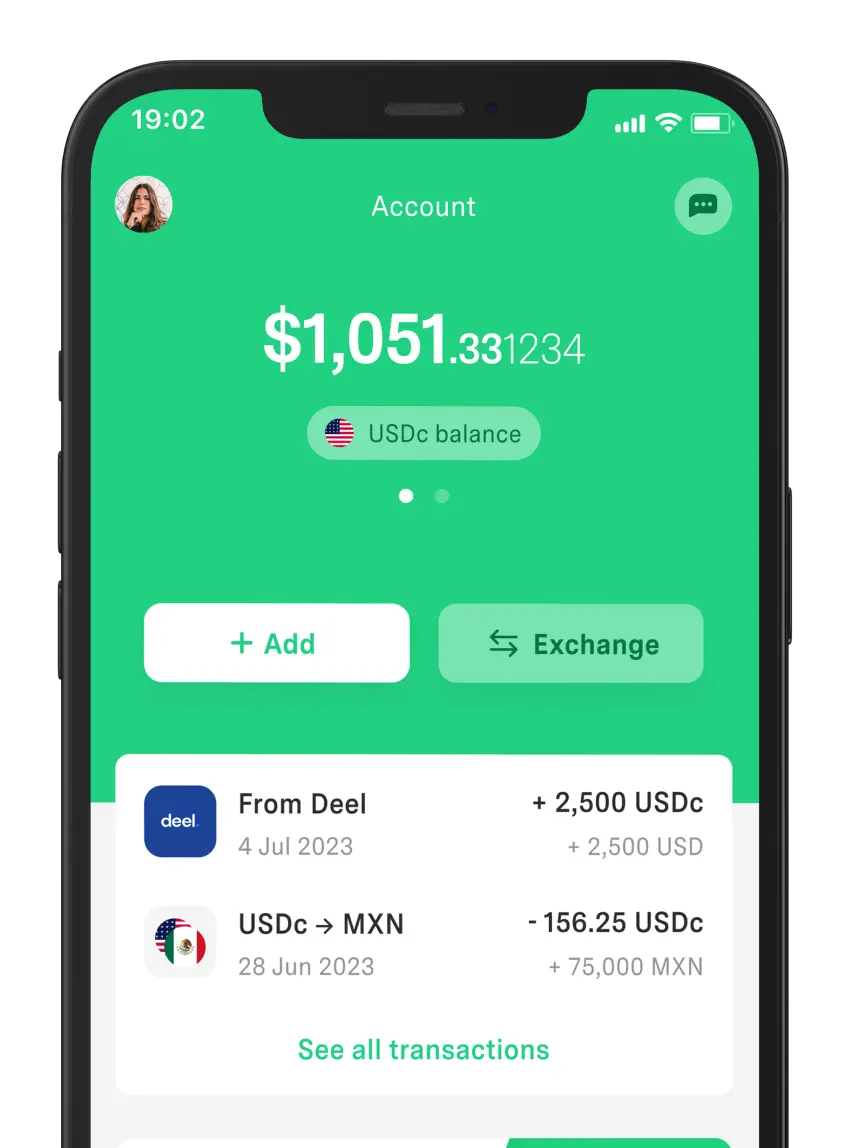
If you plan to apply on remote-work platforms, keep in mind you may need a multi-currency payment method. In this context, we invite you to try our app, since it operates with pesos, euros, and digital dollars.
DolarApp is a fintech available to users in Mexico, Argentina, Colombia, and Brazil. It not only lets you send or receive USDc and EURc, but also exchange currencies at a competitive rate.
Frequently Asked Questions
What are office functions?
They’re the day-to-day administrative activities that keep a company running properly. They focus on concrete actions a person performs—from responding to emails and calls to organizing and filing records.
What should I put under “office functions you excel at”?
List administrative tasks you know how to perform—and preferably write them as clear actions (with an action verb or noun). For example: Filing and document control or drafting documents and reports.
How many functions should I list?
Listing 5–8 functions is usually enough to demonstrate your experience without overloading the application. If you have little experience, use 4–6; if it’s a senior role, cap it at 12–15, and align them with the opening.
Are office functions and administrative skills the same?
No. Functions are the duties you perform (filing, drafting, etc.), while skills are your ability to do them well (organization, effective communication). On an application, these appear as separate sections..
What office functions should I include if I have no experience?
Focus on basic tasks you can support: computer use, telephone reception, organizing documents, or handling messenger/courier items. If you did them during internships or courses, say so on your application.


 Freelancer tips