Today, in a world shaped by technology and the internet, a privacy policy isn’t optional. Any website or app that uses cookies, has forms, or manages personal information needs to clearly explain how those data are handled. Not just because it’s legally required, but also because it’s a direct way to build user trust.
If you’re setting up your website or online business, here’s a clear guide to get started. You’ll find a simple definition, the elements your privacy policy should include, and the most common mistakes when creating one. Plus, we’ve included a sample to help you draft yours.
Privacy Policy: What It Is, What It’s For, and a Practical Example
What is a privacy policy?
A privacy policy is a document that explains what personal data a website, app, or business collects and how it uses and protects them. Its main goal is to help the user understand what happens to their information when they browse, register, or fill out an online form.
It may sound similar to a legal notice, but they’re different.
The legal notice usually covers who is responsible for the site, terms of use, and intellectual property. The privacy policy, on the other hand, focuses on personal data protection and how those data are managed.
What is a privacy policy for?
A privacy policy helps reassure users from their first contact with your page. It also helps you communicate how the site handles personal information.
In general, a privacy policy serves to:
Inform users about which personal data your website/company collects, what it uses them for, and how it protects them.
Build customer trust by showing clear, responsible information handling.
Avoid penalties or legal issues for failing to disclose personal data processing.
Explain the use of external tools, such as forms, cookies, or payment processors.
Clarify whether data are shared with third parties and under what conditions.
With this, users know what to expect from the start, and you put in writing why you need the information.
What should a privacy policy include?
A clear privacy policy usually follows a very similar structure across most sites. This means the basic elements that shouldn’t be missing are:
Identity of the data controller. Who is responsible for data processing (company trade name or legal business name) and, if applicable, the country or address.
Data collected. What type of information the site collects, for example, name, email, phone, address, IP, or payment data.
Purpose of data use. Clarify what the data will be used for (e.g., processing purchases, sending communications, or improving user experience).
Legal basis for processing. Explain why the site can use the data (e.g., because they’re necessary to provide the service).
Data retention. Inform how long the information is stored or the criteria used to decide when to delete it.
User rights. Establish what the user can request regarding their information.
Security measures. Describe how the website’s privacy policy protects information (access control, encryption, internal protocols, etc.).
Contact. Include a clear channel for requests or questions; this can be an email, form, or official support channel.
These are the essential points commonly included in any privacy policy, but everything depends on what your company/website needs.
Personal data privacy policy (general framework)
When we talk about a personal data privacy policy, we’re referring to practices applied to handle personal information responsibly. Regardless of how the information is collected, the policy should clearly state how it will be used.
Generally, this type of policy rests on three key ideas:
Protection of personal data. The user’s information is used only as necessary, with measures applied to prevent unauthorized access or misuse.
User consent. In many cases, users voluntarily provide their data when registering, purchasing, or filling out a form. Therefore, they must know what they’re sharing and for what purpose—clearly, without confusing explanations.
Use of cookies and similar technologies. Many websites use cookies to remember preferences, improve navigation, or measure visits. Ideally, clarify what technologies are used and in which cases.
In short, a good privacy policy helps users feel safer when interacting with your site or service.
Privacy policy – practical example
The following privacy policy example is generic and intended to guide you. Especially because each business or website manages data differently. Therefore, it’s best to customize the text based on the type of information you collect, the tools you use, and how users interact with the site.
Privacy policy example:
At [Name of the site or business], we respect your privacy and are committed to the responsible use of your personal data. This policy explains what information we collect, how we use it, and what choices you have regarding your data when using our website.
1. Information collected
We may collect data such as your name, email address, phone number, and, if applicable, information necessary to provide a service or respond to your request.
2. What do we use your data for?
To respond to messages, follow up on requests, send related information, and improve your experience on the site.
3. Use of cookies
This site may use cookies to improve your browsing experience and understand how the website is used. In certain cases, advertising cookies may also be employed.
4. Retention and security
We retain your data only as long as necessary and apply strict security measures to protect them.
5. User rights
You can request access to, correction of, or deletion of your data by writing to [Contact email].
Last updated: [Date].
Who needs a privacy policy?
Any digital project that requests user data or uses cookies needs one. Therefore, some cases where a privacy policy is advisable include:
Contact forms.
Websites that receive messages, registrations, or visits with cookies.
Online stores that process purchases, payments, or shipping data.
Mobile apps that request permissions or collect user information.
Sales, marketing, or customer support platforms.
If your project fits any of these cases, it’s best to include a visible, easy-to-understand privacy policy.
Common mistakes when creating a privacy policy
If you want a privacy policy that actually works, avoid:
Copying a generic text without modifying it, which may omit key information about your business or include things that don’t apply.
Using legal jargon that users don’t usually understand.
Failing to update the text after changing tools, forms, or processes, which makes the policy obsolete.
Not informing about cookies, which generates distrust and a lack of transparency.
Not adding a rights section specifying what the user can request regarding their data and how to do it.
A clear policy not only helps you avoid pitfalls but also reinforces the user’s digital identity and your brand’s credibility.
Conclusion
Amid the digital revolution, the privacy policy has become a way to communicate professionalism, credibility, and trust. Beyond that, it lets you explain what information you use and how you protect it—without confusion. When well written, it prevents misunderstandings, reduces risks, and gives users the peace of mind that their information is used for a clear purpose.
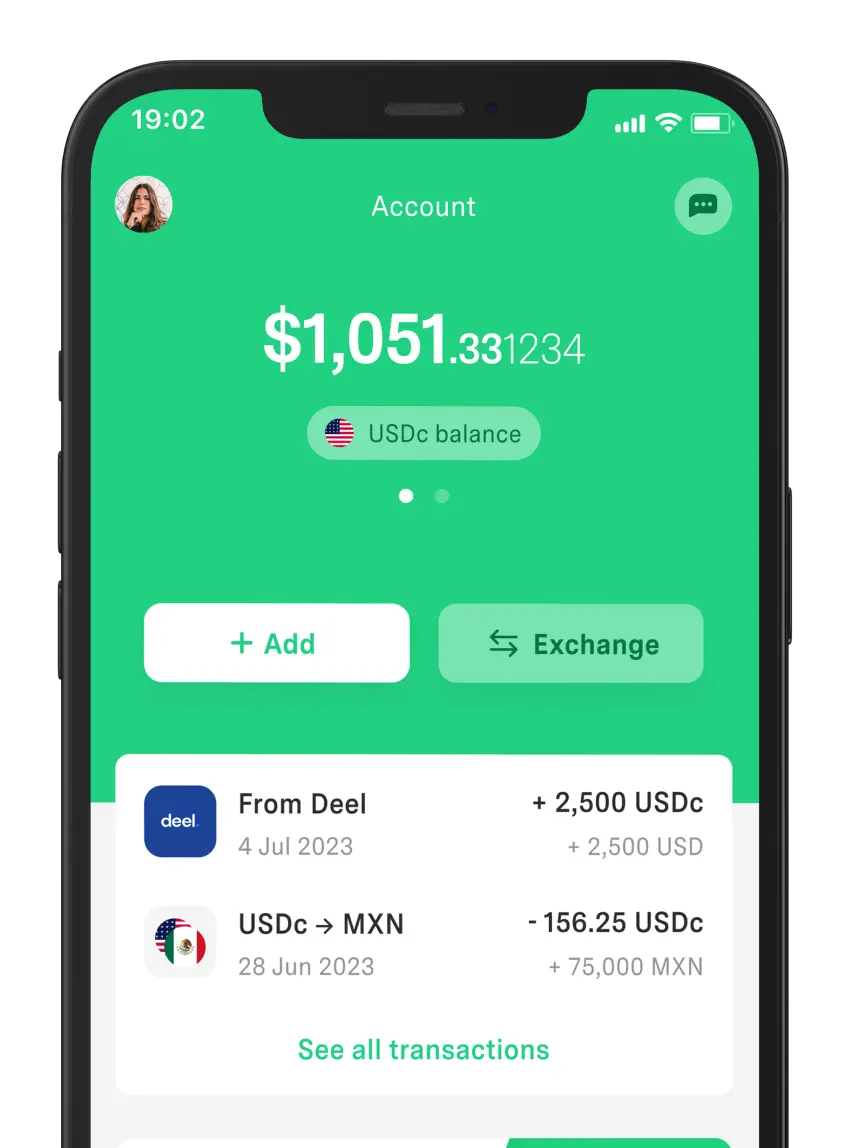
Transparency is essential for everything, and at DolarApp we put it into practice. Proof of this is our privacy policy and transparent exchange rates for currency conversion.
Those are two good reasons to use the app—especially if your business operates in dollars and euros—since we work with USDc, EURc, and pesos.
Frequently Asked Questions
Is it mandatory to have a privacy policy?
Yes. When a site uses cookies or requests personal data in forms, registrations, or purchases, it’s mandatory. In Mexico, the LFPDPPP requires disclosing processing through a visible privacy notice/policy.
Where is the privacy policy placed on a website?
Generally, it’s placed in the site’s footer so it’s easy to find. It’s also linked in forms, checkout, registrations, and sections where users submit data.
Does one privacy policy work for any country?
Not always, although it can serve as a base. In most cases, it’s adapted according to the country, applicable laws, and the type of data the website or business handles.
Can I use a generic example?
Yes, it’s a good starting point. Then, customize it depending on the data you need from users, the actual use you’ll give them, and the tools on your site.
How often should it be updated?
Every time you update your forms, cookies, external tools, or data processes. If there are no major changes, reviewing at least once a year helps keep it clear and up to date.


 Freelancer tips