Satisfaction surveys are questions designed to understand how someone perceives their experience with your brand. They’re undoubtedly a tool you should leverage to keep current customers happy and attract new ones.
We’re talking about simple, short questions that can tell you which points need adjustments to improve processes in your business. But if you want the details, stay to the end. In this guide, you’ll find everything you need, including customer service questions and copy-and-paste templates.
Customer Satisfaction Surveys: How to measure them, examples, and templates
What is a satisfaction survey and what is it for?
Satisfaction surveys are short questions sent to a customer to find out how good their experience with a brand was.
What are they for?
To detect friction in the process, measure the customer’s perception, and build a clear basis for improving customer service. That’s why they’re usually applied after a purchase, a service, or an interaction with the support center.
What to measure in satisfaction surveys?
In satisfaction surveys, it’s most common to use metrics that address different needs.
How satisfied were you with the service you received?
NPS
Loyalty to the brand.
When you want to assess overall perception and customer loyalty.
How likely are you to recommend us to a friend?
CES
The customer’s effort to resolve their request.
If you’re looking to reduce friction and make processes simpler.
How easy was it to resolve your request today?
Customer service questions (ready-made examples)
There are many customer satisfaction questions you can use, but here are plug-and-play ideas:
Service received
How satisfied were you with the service you received?
How would you rate the agent’s friendliness?
Did you feel listened to and taken seriously during the interaction?
How clear was the team’s communication and approach?
Resolution time
Did you receive a response as quickly as you expected?
Was your request resolved in the time you expected?
Do you feel the process was fast or took longer than necessary?
How efficient was the service in reaching a solution?
What made the process feel slow or longer than expected? (optional open-ended)
Clarity of the solution
Was the solution you were given clear and easy to understand?
Did they explain the process in simple terms?
Did the answer fully solve your problem?
What part of the explanation would you like to be clearer? (optional open-ended)
Empathy / treatment
How well did we understand your situation or need?
Did the agent show a good attitude while helping you?
Did you feel treated with respect throughout the interaction?
How professional was the service you received?
First-contact resolution
Was your request resolved on the first contact?
Did you have to repeat the problem more than once to be understood?
How easy was it to get a helpful answer from the start?
Satisfaction survey examples (templates)
Below are some ready-to-use templates for CSAT/NPS/CES surveys:
Post-ticket template (CSAT)
Was your request resolved?
Yes ◯ No ◯
Overall, how satisfied were you with the service? (1 = Very dissatisfied / 5 = Very satisfied)
1 ◯ 2 ◯ 3 ◯ 4 ◯ 5 ◯
How would you describe your experience with the representative?
☐ I had to wait too long.
☐ I had to explain it several times.
☐ The problem wasn’t understood.
☐ The answer wasn’t clear.
☐ It was resolved without complications.
☐ Other: ____
Post-purchase template (NPS)
How likely are you to recommend this product?
1 ◯ 2 ◯ 3 ◯ 4 ◯ 5 ◯ 6 ◯ 7 ◯ 8 ◯ 9 ◯ 10 ◯
What was the main reason for your rating?
How was your purchase experience?
☐ Fast and simple.
☐ There was confusion at some step.
☐ Payment was easy.
☐ Delivery was on time.
☐ I had to contact support.
Would you buy from us again?
Yes ◯ No ◯ Maybe ◯
What could we improve for next time?
Self-service/support template (CES)
How easy was it to resolve your request today?
1 ◯ 2 ◯ 3 ◯ 4 ◯ 5 ◯ 6 ◯ 7 ◯
What made you lose the most time?
Did you find the information you needed?
Yes ◯ No ◯
How clear was the information you found?
(1 = Not clear at all / 5 = Very clear)
1 ◯ 2 ◯ 3 ◯ 4 ◯ 5 ◯
If you need more ideas, you can find templates here.
How to create a satisfaction survey: Best practices for designing them
A survey works when it’s easy to answer and useful for decision-making. The following practices can help you achieve that without overcomplicating things:
Ask short, specific questions. Between 3 and 5 is usually enough to get answers without overwhelming the customer.
Choose consistent questionnaires. A good option is to use the Likert scale to structure responses, as it makes comparing results easier.
Avoid biased questions. Don’t suggest phrasing that nudges a “yes” or a positive response.
Use one topic per question. Don’t mix two ideas in the same item (e.g., “Was it fast and clear?”).
Define the objective before sending. If you want to improve support, use CSAT/CES; if you’re seeking loyalty, use NPS.
Send the survey at the right moment. Ideally right after the case is resolved or while the experience is still fresh.
And don’t forget to review which questions get more responses and which create confusion so you can optimize the survey over time.
How to send satisfaction surveys?
If you choose the right time and place to send your satisfaction surveys, you’ll increase response rates and get more useful feedback.
Typical options are:
Email. Ideal for post-purchase surveys or after closing a case, because it lets people respond calmly.
Chat (support or WhatsApp Web/chat). A good option when you want to measure an immediate interaction, for example, right after a support conversation ends.
Web (on your site or in-product). Useful when you want to measure self-service experience, navigation, or flows inside a platform. For example, after completing a task or finding an answer in the help center.
Tip: Platforms like Zendesk let you send surveys by email, integrate them in chat, or display them directly on your site.
How to analyze results and turn them into actions?
Once you have responses, it’s essential to turn that data into real improvements.
How?
Here’s a simple checklist to use your results practically:
Segment responses. Split them by channel (email, chat, web), customer type, and reason for contact to spot clearer patterns.
Investigate the main drivers of satisfaction. Find out which factors repeat when ratings drop (for example: long wait times, too many steps).
Add context if needed. If you need to go deeper than the survey, a focus group can help you understand the “why” behind the answers.
Prioritize improvements by impact and frequency. Start with what affects the most customers and happens most often, even if it seems like a small change.
Close the loop by communicating changes. Tell the team (and, if applicable, the customer) what was improved thanks to the feedback. That increases customer trust and future participation.
Today, customers don’t just want quick answers; they also expect the experience to feel personalized.
A McKinsey study notes that 7 out of 10 consumers expect tailored interactions, and more than 3 out of 4 get frustrated when that doesn’t happen. That’s why closing the loop with communicated improvements has a direct impact on trust.
Conclusion
Satisfaction surveys are a simple way to understand what’s working and what’s slowing down the user experience.
If you want to start without overcomplicating things, use a template from this article today. What matters is measuring the right things and reviewing results with the intent to improve—whether with a CSAT, NPS, or CES survey.
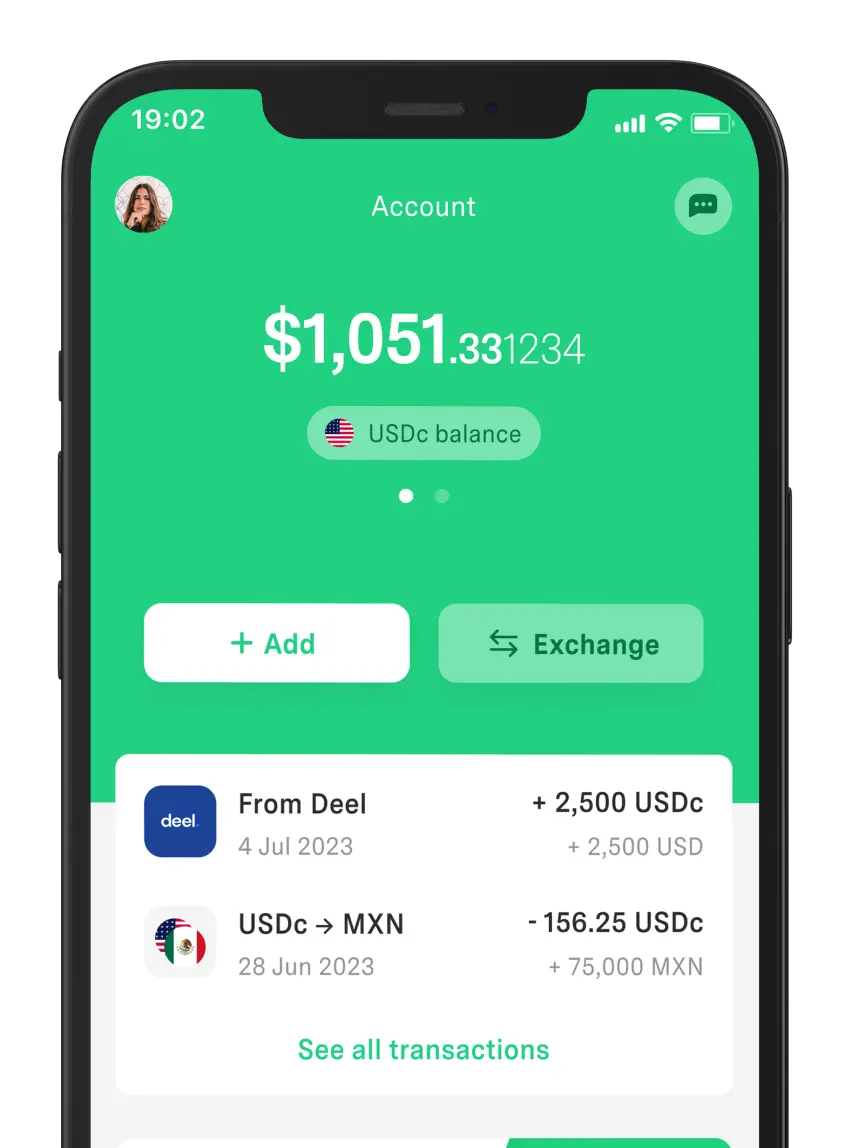
At DolarApp, we’re confident your experience will be satisfying from day one. Download the app and open your account to receive payments or send USDc/EURc easily and quickly.
With an international account, you can buy or sell currencies instantly at a fair exchange rate.
Frequently asked questions
How many questions should a satisfaction survey have?
Ideally 3 to 5 questions if you want a good response rate. If you need more detail, you can go up to 8, but keep everything simple. One open-ended question at the end is usually enough.
Which metric is better: CSAT, NPS, or CES?
It depends on the goal. CSAT measures satisfaction with a specific interaction, NPS measures recommendation and loyalty, and CES measures effort. If your priority is support, use CSAT or CES; for brand, use NPS.
When should I send the survey?
The best timing is when the user still remembers the experience—for example, right after the interaction ends or after a delivery. The more immediate it is, the higher the response rate.
What if very few people respond?
Try reducing the number of questions, make them quicker, and avoid long text. It can also help to explain in one line how their response can improve the user experience.
How many responses do I need to trust the result?
It depends on your volume, but look for consistency before drawing conclusions. With few responses, use them as initial signals. When you have more weekly or monthly data, you can compare trends and detect real changes.
Are they useful for customer service and product?
Yes. In customer service, they help you measure service quality, times, and clarity. In product, they help you detect friction, ease of use, and drop-off points. Just adjust the focus of the questions to the context.


 Freelancer tips